IssueBar
File a GitHub issue from anywhere with a keystroke and a screenshot
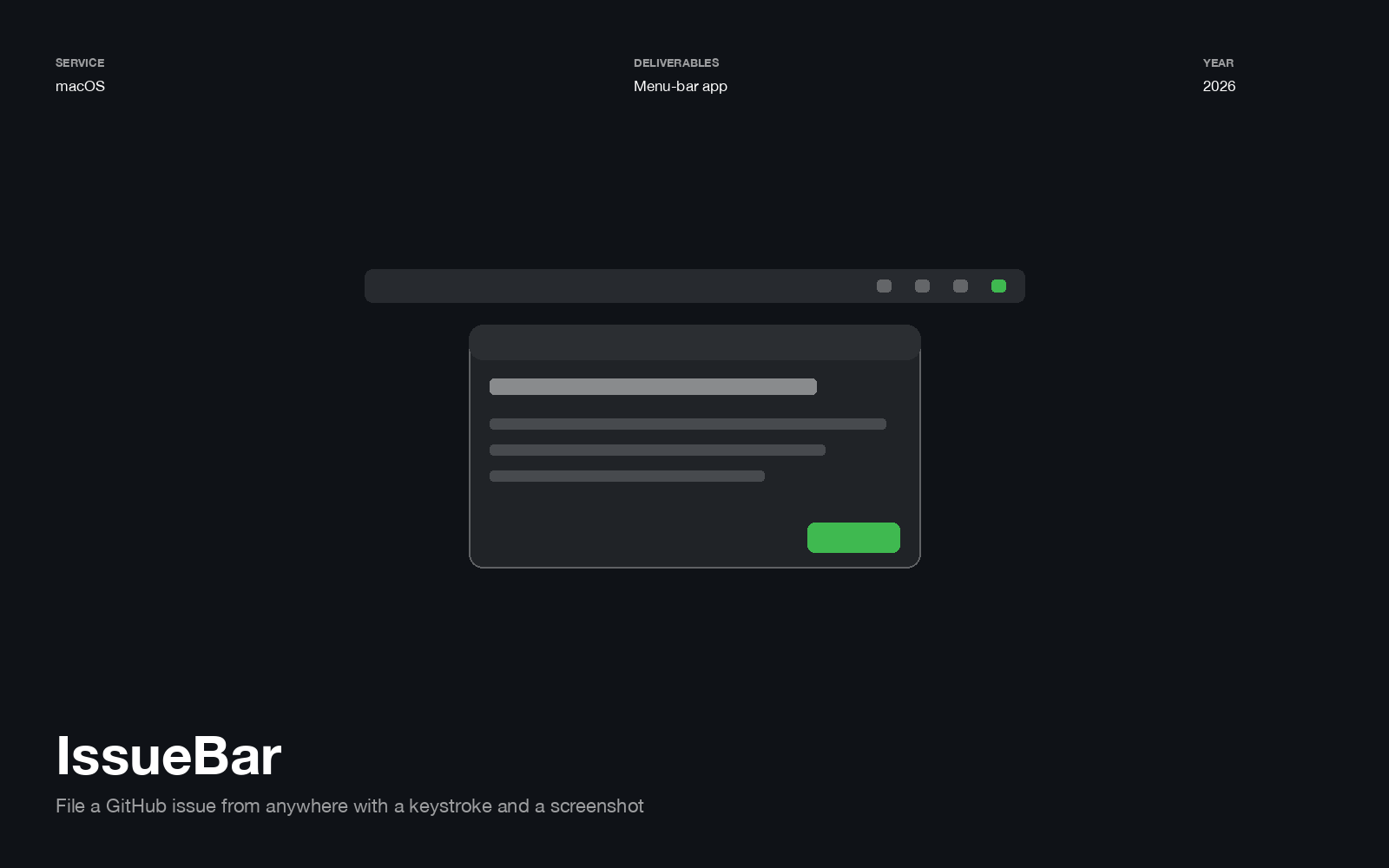
⌃⌥I from anywhere. Pick a repo, type a title and a description, drop in a screenshot, post. Then get back to what you were doing.
The bugs that never get filed are the ones where filing costs more than remembering. Every step between noticing something and having a ticket — open a tab, find the repo, click New Issue, wait, take a screenshot, find it in Downloads, drag it in — is a place to give up and tell yourself you’ll do it later.
A window, not a dropdown
The composer is a floating window rather than a menu-bar popover, which is the one structural decision in the app.
A popover closes when you switch apps. But writing a good ticket means going back to the thing you’re describing — reading the stack trace, re-checking the Slack thread, looking at the screen you’re complaining about. A window stays put while you do that, and ⌃⌥I pulls it forward again instead of toggling it shut.
Screenshots, handled properly
- ⇧⌘V attaches whatever is on the clipboard
- Capture hides the composer, lets you drag a selection, and comes back with the shot already attached
- Or drag image files straight onto the window
Hiding the composer during capture matters more than it sounds — otherwise the first thing you screenshot is the tool you’re screenshotting with.
Failing loudly
⌃⌥I is a popular chord. If another app already owns it, IssueBar walks a fallback list —
⌃⌥N, ⌃⌥G, ⌃⌘I — and then shows you which one it got, next to New Issue in the
menu-bar menu. If none were free, the menu says that instead.
A global hotkey that silently fails to register is indistinguishable from an app that’s broken. Spending a week thinking a tool doesn’t work, when actually it’s listening on a different key, is the kind of failure worth designing against.